

Agent analytics are only available to users
team-admin users, agent-admin users, or users with edit accesss to an agentNavigating to agent analytics
There are 2 ways to get to agent analytics Option 1: via agent settings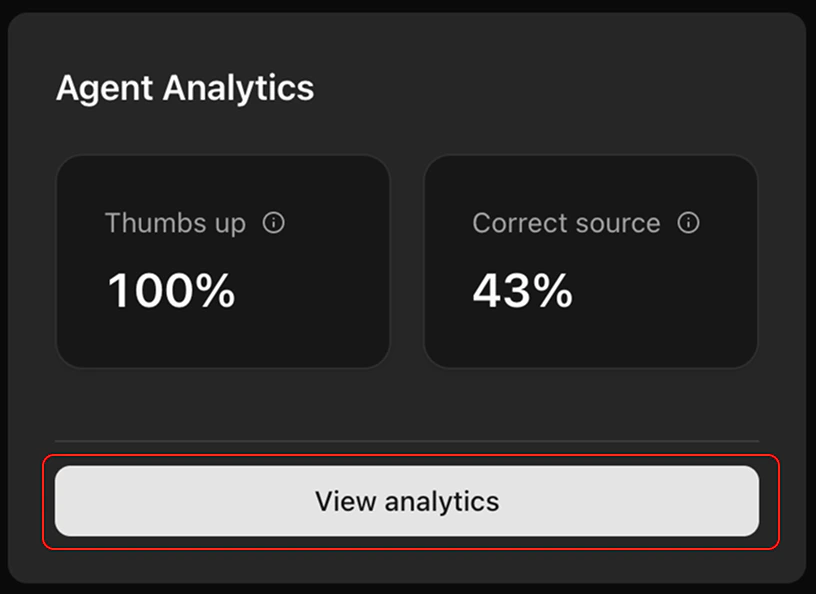
- Make sure you’re in your chosen agent (via the
Agentspage or thecmd+kshortcut). - Turn
editmode on - Tap
View analyticsin the bottom right hand corner
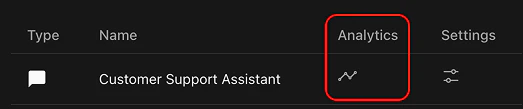
- Tap the ‘chart’ icon under ‘analytics’. This will take you to the analytics page of that agent
Understanding your agent analytics
Your agent analytics is comprised of 3 charts. Source accuracy - how often does the model router choose the right model?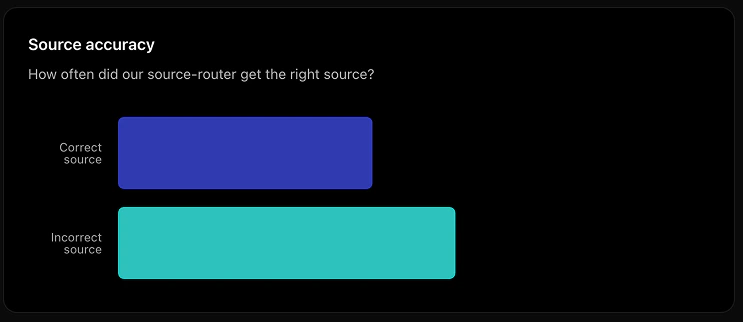
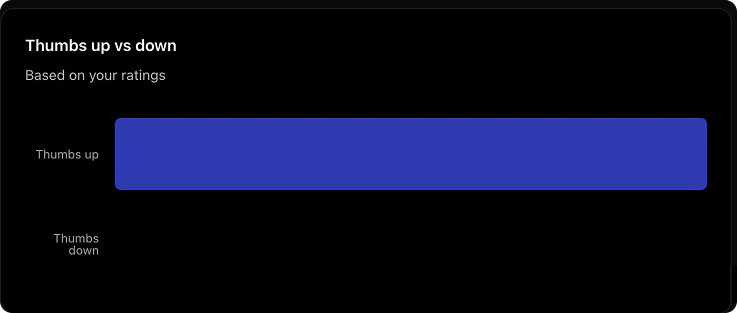
Tap the row of a log item to see the details in the drawer
