

Get started in three steps
Step 1: Navigate to app.usesolari.ai
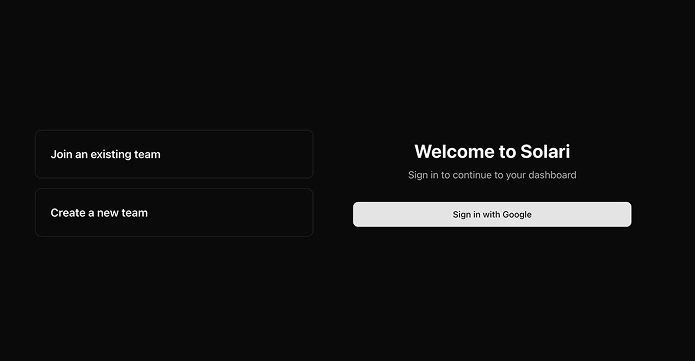
Step 2: Determine if you’re creating a new team or joining an existing team
Creating a new team
Creating a new team
-
Select
Create a new teamon log in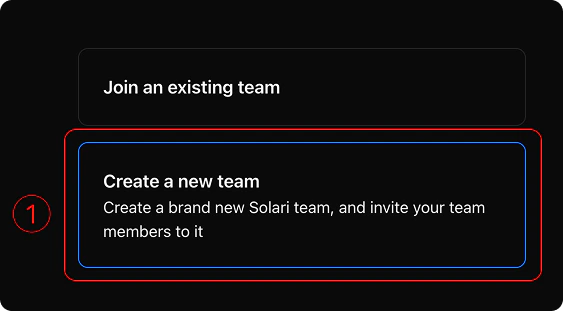
-
Click
Sign in with Googleto log into your Google account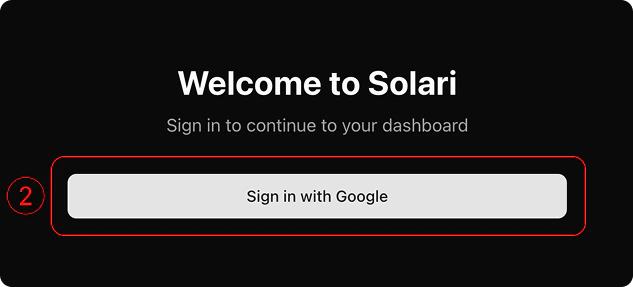
- Follow the onboarding instructions to name your team and start inviting other team members
Joining an existing team
Joining an existing team
Via access code Your team admin, or someone else on your team, may have sent you a 6-digit access code you can use to join the Solari team. To join the team via access code - -
Select
Join an existing teamon log in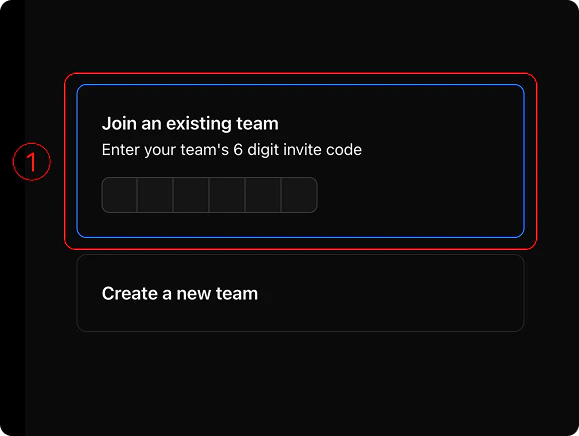
- Paste your 6-digit access code in the input below and wait for your code to be validated
-
If you see a
red erroricon, we haven’t found your access code. Make sure whomever invited you sent it correctly and that you pasted it exactly as you received it. If those look correct and you’re still struggling, feel free to get in touch or grab some time. -
If you see a
green check, that means we’ve verified your access code is valid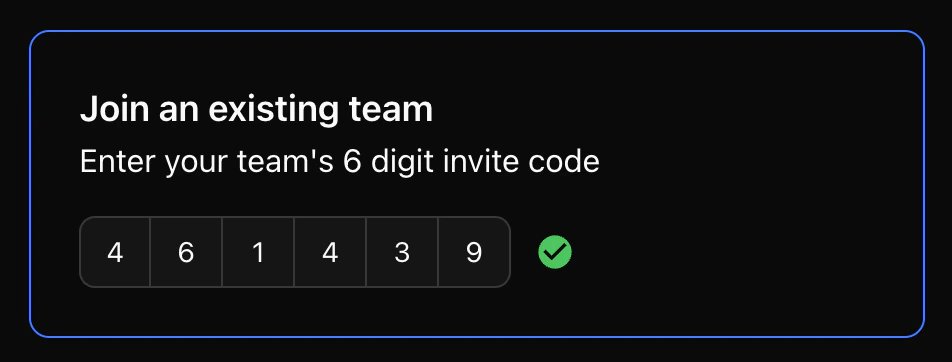
-
Tap
Sign in with Googleto create your account within that Solari team.
Via email-
Check your inbox for an email from
Team Robots @ Solari(postmaster@robots.usesolari.ai). You’ll find an email inviting you to the Solari team - Join the team by either clicking the invite link (your invite code will come pre-filled) or paste the 6-digit access code into the log in page yourself
-
Ensuring your 6-digit access code has been entered and verified in the
Join existing teamwindow, tapSign in with Googleto create your account within that team
Step 3: Start building your agents!
Now that you’re in Solari, build your agents, invite other team members, or connect Solari to your external platforms.Manage your team
Invite your team to Solari, share agents with them, and manage their permissions.
Create your first agent
Build your first agent, give it the sources it needs to be useful, and learn how to manage your
Managing your agents
See how to manage your Solari team. Control which agents live in your team, who has access to what, and your integrations to external platforms
Integrations
Securely connect to your tools to give your agents the access they need. Learn how to manage or disconnect integrations at any time
Roadmap
We’re always adding to Solari to make it the best tool for non-technical teams to use agents. Check out what we’ve got coming up!